
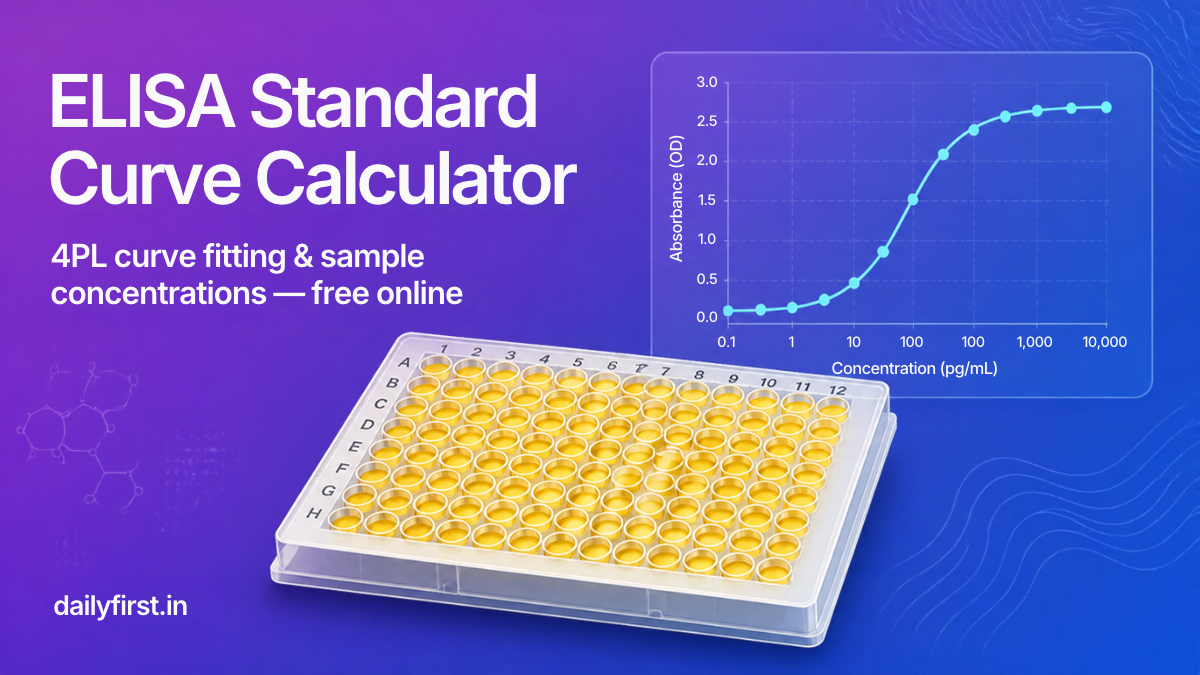
Paste your standard and sample optical densities straight from the plate-reader spreadsheet. This calculator fits a 4-parameter logistic curve (the standard model for sandwich and competitive ELISA), reads off each sample’s concentration, multiplies by its dilution, and flags anything that needs attention: samples outside the standard range, replicates with a high CV, and standards that back-calculate poorly.
Privacy: everything runs inside your web browser. Your images and data are not uploaded to any server, which makes the tool safe for unpublished results.
How to use it
- Paste the standards: concentration in the first column, then one or more OD columns (duplicates or triplicates).
- Paste the samples: name, dilution factor, then their OD columns.
- Choose the model (4PL is right for most kits), enter your unit and press Fit curve and calculate.
- Check the flags, then download the CSV and the curve image for your notebook.
Which curve model should I use?
- 4-parameter logistic (4PL): fits the S-shaped curve of almost every ELISA kit, including the flat top and bottom. Recommended by most kit manufacturers.
- Linear: only if your standards sit on the straight middle part of the curve. Using it across the full range gives wrong answers at the ends.
- Log-log linear: a quick alternative for curves that look straight on log axes.
Quality checks the calculator applies
- R² should usually be at least 0.98 to 0.99.
- Back-calculated recovery of each standard should be within about 80–120%.
- Replicate CV above 15% (adjustable) suggests a pipetting or washing problem.
- Out-of-range samples: values above the top standard must be diluted and re-run. Values below the lowest standard are reported as “less than” the lowest standard × dilution.
Suggested methods text
“Standard curves were fitted with a four-parameter logistic model and sample concentrations interpolated and corrected for dilution using the DailyFirst ELISA Standard Curve Calculator (dailyfirst.in). Samples outside the standard range were re-assayed at a suitable dilution.”
Frequently asked questions
Should I subtract the blank?
Most protocols subtract the zero standard (blank) OD from every well. The calculator does this by default. Choose “No blank subtraction” if your reader already did it.
Does it work for competitive ELISA?
Yes. In competitive assays OD falls as concentration rises, and the 4PL fit and range checks handle the decreasing curve automatically.
Why is my top sample “above the top standard”?
Its OD is higher than the curve’s top point, so its concentration cannot be read reliably. Dilute it further, for example 1:5 or 1:10, and run it again.
More tools in the DailyFirst Research Lab
- Western Blot Densitometry
- IHC Quantification (DAB)
- Immunofluorescence Quantification
- RT-qPCR ΔΔCt & Pfaffl Calculator
- Molarity & Dilution Calculator, mg/mL to Molarity Converter, Percent Solution Calculator, Serial Dilution & CFU Calculator
- See every tool in the Research Lab · t-test and statistics tools for your results


